Delay
Propagation timeConfigure fixed and changing delay profiles to investigate acquisition, timing compensation and recovery.

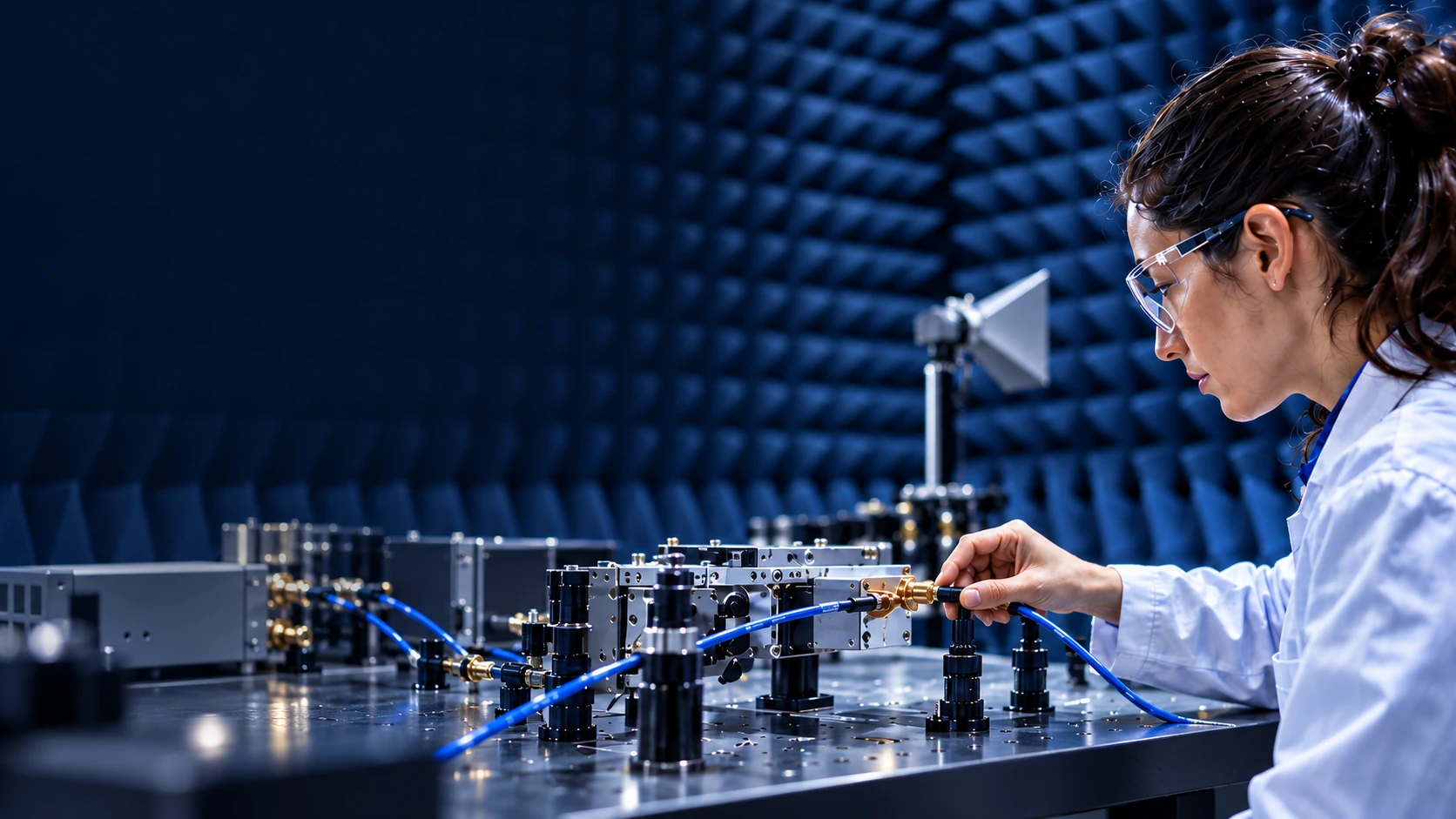

Exercise your implementation under changing delay, Doppler and signal levels. Use the radio equipment and system observations that serve your evaluation.
ELARA is RF-channel emulation software for conducted RF evaluations. RF processing runs on an RFSoC-based emulation platform; Python or MATLAB on your computer controls the scenarios. Reuse programmed delay, Doppler and attenuation profiles to compare radio settings, then examine the response through your logs and separate instruments.
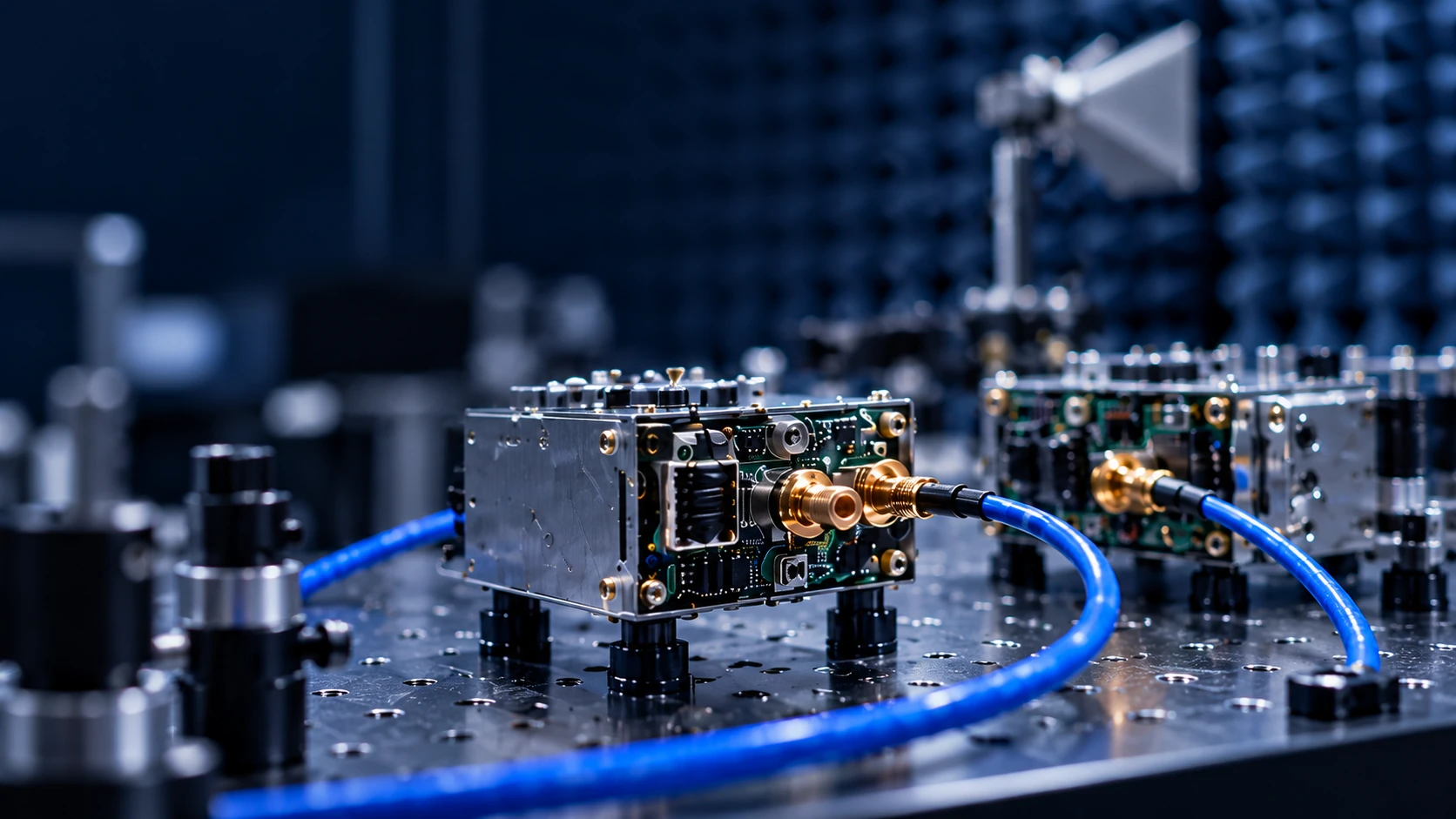
Configure fixed and changing delay profiles to investigate acquisition, timing compensation and recovery.
Program frequency-offset profiles around the receiver and examine its response.
Vary configured signal attenuation and correlate the radio response with your chosen observation.
Make programmed RF conditions part of your evaluation workflow.
Configure profiles and organise scenario comparisons through Python or MATLAB. Reuse configured inputs when comparing receiver settings or application policies, then correlate endpoint, traffic, power or controller records with the RF case.